Quick answer
Confirm the model label says IX140 or IZ140 Series, turn the vacuum off, remove the battery, and wait for every moving part to stop. Inspect the floor nozzle for a blockage and remove hair or string wrapped around the brushroll without cutting the bristles, belt, or housing. Check the airway and the click connections among handheld unit, wand, and nozzle. Shark's IX140/IZ140 owner guide says the brushroll also requires the handheld vacuum to be tilted back far enough to engage. A red nozzle light accompanies blockage checks; if the nozzle has headlights and they remain dark, reconnect the sections. If the vacuum shut down or feels hot, clear airflow restrictions and let the unit and battery return to room temperature for at least 45 minutes. Stop for a damaged battery, cord, connector, brushroll, belt, or electrical smell and contact Shark support rather than opening the motorized nozzle.
Safety before you start
Turn the vacuum off and remove the lithium-ion battery before touching the nozzle or brushroll. Keep fingers, hair, loose clothing, and tools away until all parts stop. Do not work on a charging vacuum, bridge battery terminals, open or puncture the battery, defeat an interlock, lubricate the brushroll, or open the motorized floor nozzle. Do not recharge a battery that is swollen, cracked, wet, unusually hot, leaking, hissing, or emitting odor. Move away from a smoking battery if safe and call emergency services for fire. Contact Shark for damaged wiring, connectors, housing, belt, or internal parts.
What you need
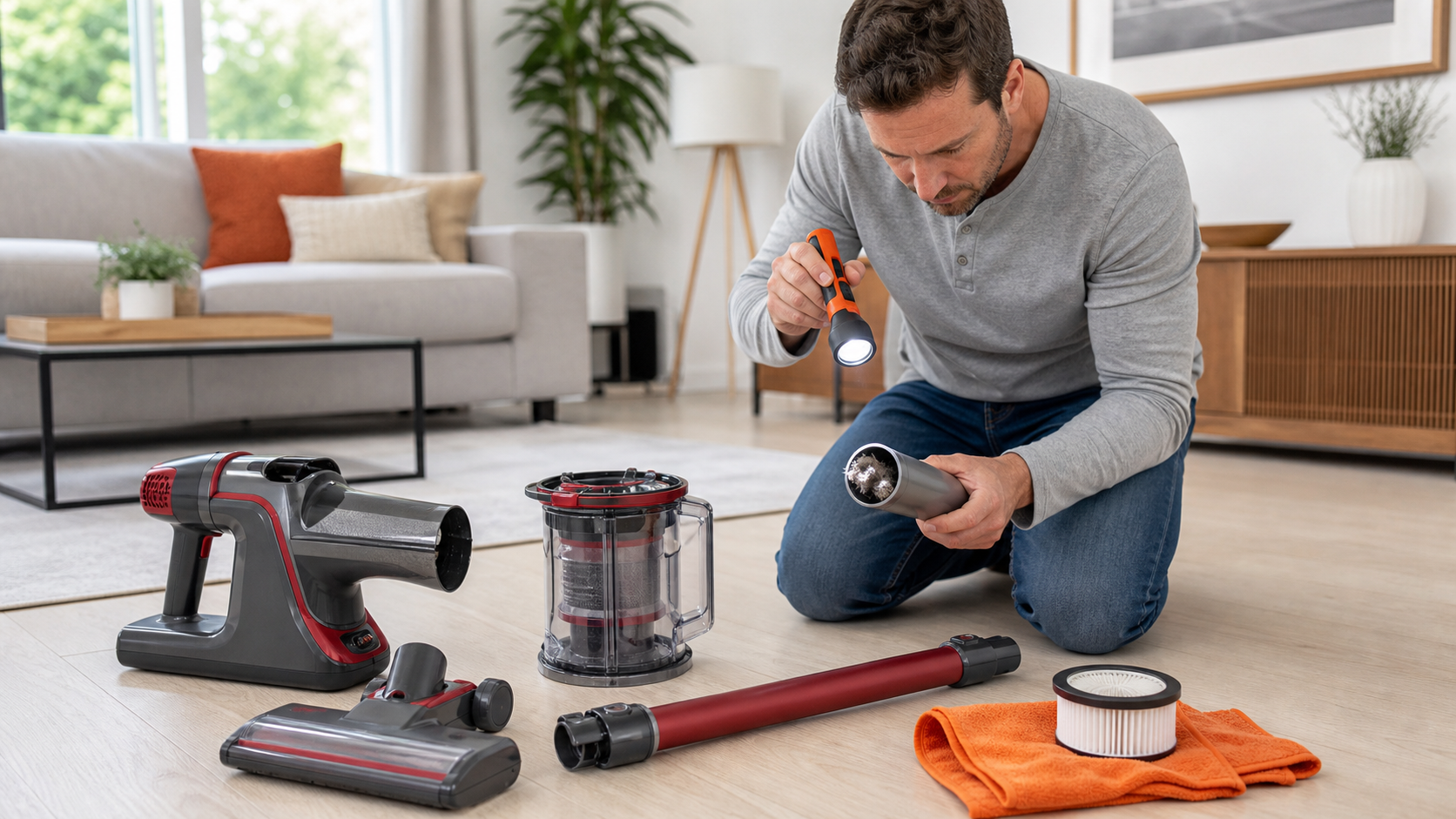
- Model label and Shark IX140/IZ140 Series owner guide
- Flashlight
- Work gloves
- Blunt plastic pick or seam tool for accessible wrapped debris
- Dry microfiber cloth
- Phone camera for nozzle lights, connectors, and damage
Step-by-step
Verify the series and record the symptom
Read the label on the handheld unit or battery compartment and confirm IX140 or IZ140 Series before using this sequence. Note whether the nozzle light is red, dark, or normal; whether the motor stopped; and whether the failure began on carpet, a rug edge, or after a large pickup.
Turn off power and remove the battery
Switch the vacuum off, disconnect the charger, remove the battery using the release described in the owner guide, and wait for the brushroll to stop completely. Put the battery on a dry, nonconductive surface away from screws, tools, heat, and liquid.
Inspect the floor-nozzle opening
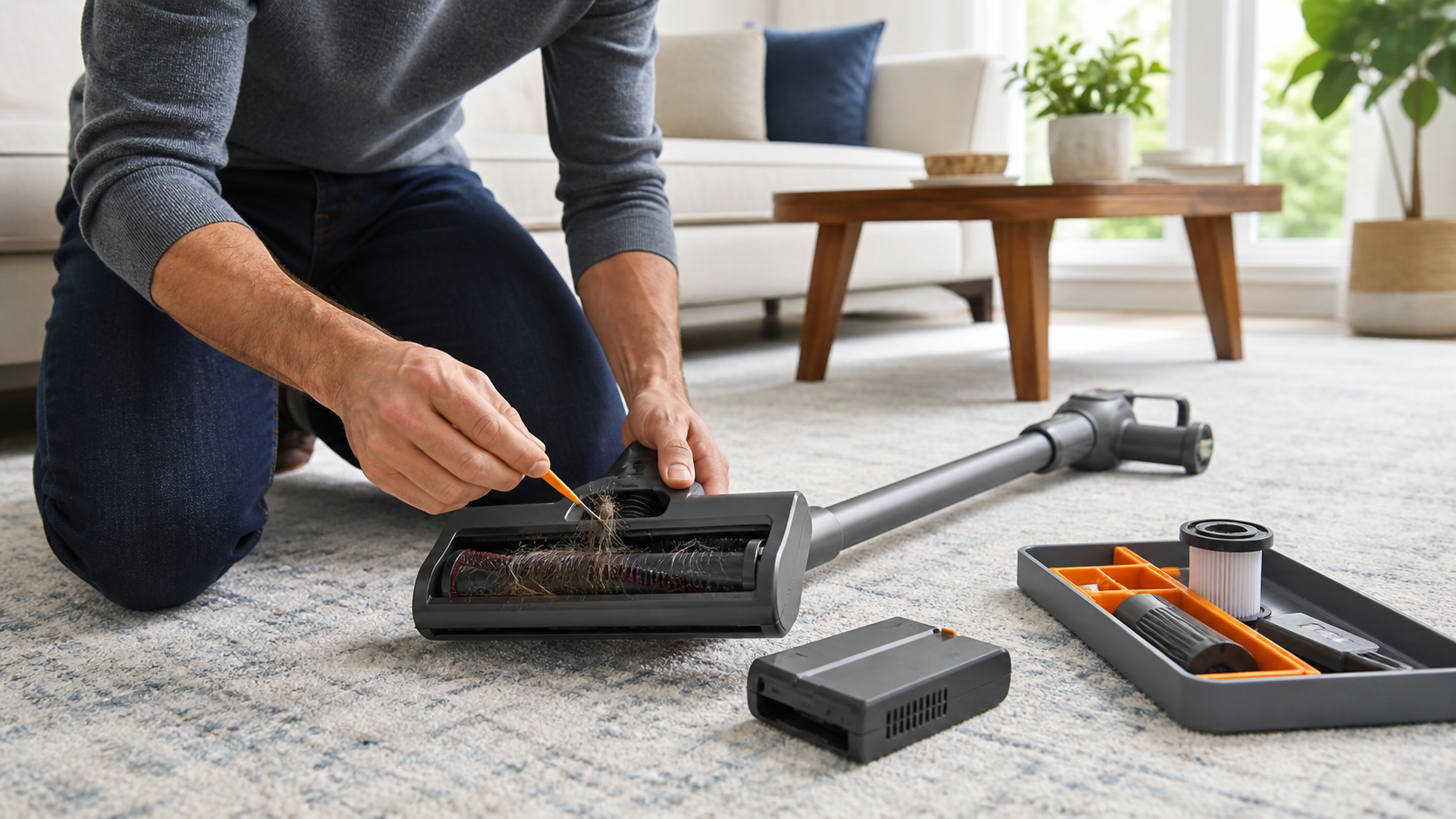
Lay the nozzle securely where it cannot fall. Remove visible clumps and blockages from user-accessible openings. Free hair, carpet fiber, or string from the brushroll with a blunt tool, working away from your hands. Do not cut into bristles, seals, the drive area, or the housing.
Check the wand and connection points
Separate only the sections the user guide treats as removable. Look through the wand and accessible inlet for debris, then wipe connection surfaces dry. Reassemble the handheld, wand, and floor nozzle until each connection clicks; never probe electrical contacts or bend a pin.
Let an overheated unit cool fully
If the vacuum stopped by itself, felt unusually warm, or displayed the heat-related light behavior described in the guide, leave the battery out while checking blockages. Shark's IX140/IZ140 guide says to allow the unit and battery to cool for at least 45 minutes until they return to room temperature.
Reinstall power and test on open floor
When the vacuum and battery are cool and undamaged, reinstall the battery and test briefly on a clear hard floor. Tilt the handheld back into the operating position because Shark says the brushroll may not engage while the unit is too upright. Keep hands away from the nozzle during the test.
Use the light result to choose service
If the nozzle light returns red, power down and recheck for an accessible blockage once. If a headlight-equipped nozzle stays dark, reseat the removable connections. Persistent stoppage, unusual noise, damaged bristles, melted plastic, a burning odor, or any internal obstruction requires Shark support or qualified appliance service.
The nozzle light narrows the diagnosis
- A red nozzle light belongs with the manual's blockage and wrapped-debris checks.
- A dark headlight-equipped nozzle can indicate a connection problem among handheld, wand, and nozzle.
- A brushroll that works only after tilting back may have been in the upright non-engaged position.
- A complete shutdown can involve blockage, battery condition, or overheating rather than the brushroll alone.
- A normal light with scraping, wobble, or burning odor is still a stop-and-service condition.
Debris removal ends at the sealed nozzle
Accessible hair and string are maintenance items only after the battery is removed. The goal is to restore free travel without changing the brushroll, belt tension, bearings, wiring, or interlocks.
If debris disappears behind a cover the owner guide does not identify as user-removable, stop. Opening the motorized head adds moving-part, electrical, reassembly, and warranty risks and can turn a simple jam into an unsafe repair.
Heat and battery damage change the job
Ordinary motor warmth after use is different from a battery that is swollen, leaking, cracked, wet, hissing, smoking, or too hot to approach. A damaged lithium-ion pack should never be reinstalled or charged.
For a normal-looking battery, follow Shark's charger and cool-down instructions. For a damaged one, isolate the area only if it is safe, keep people away, use emergency services for smoke or fire, and ask the manufacturer or local hazardous-waste authority about handling.
Common questions
Why is the nozzle light red on my Shark IX140 or IZ140?
Shark's owner guidance pairs a red nozzle light with checks for a full dust cup, nozzle or airway blockages, wrapped hair or string, connection blockages, and filters. Power off and remove the battery before inspecting the brushroll.
Why does the brushroll work only when I lean the vacuum back?
The IX140/IZ140 owner guide says the handheld vacuum must be tilted back far enough for the brushroll to engage during use. That is normal operating logic, not a reason to bypass the upright position control.
Can I open the floor nozzle to reach a deep jam?
Only remove parts the exact owner guide identifies as user-serviceable. Stop at sealed covers, wiring, drive components, or hidden fasteners and contact Shark support for deeper obstruction or damage.
Prefer to hire a professional?
Find a local appliance repair company
Browse business profiles with published services, coverage, and direct contact information in the FixMate directory.
Sources and further reading
This article is original FixMate editorial content informed by the references below. Always follow manufacturer instructions and local code.