Quick answer
For Honeywell Home T6 Pro Programmable models TH6210U2001/U, TH6220U2000/U, and TH6320U2008/U, the manufacturer’s blank-display checklist is to check the circuit breaker, confirm the heating and cooling equipment power switch is on, confirm the furnace door is closed securely, and install fresh AA alkaline batteries correctly. First verify the model on the thermostat or its documentation. Make only the external checks you can perform safely, follow the user guide for battery access, and reset a tripped HVAC breaker no more than once. After power returns, wait at least five minutes for compressor protection. Stop and call an HVAC professional for a repeated trip, burned smell, heat, buzzing, water near equipment, a loose panel, exposed wiring, or a display that stays blank.
Safety before you start
A thermostat is part of a powered HVAC control system. Do not remove furnace or air-handler panels, touch thermostat wires, bypass a door switch, jumper terminals, test live voltage, or change installer settings for this symptom. Keep the electrical panel closed except for operating the identified breaker handle with dry hands from a dry floor. If a breaker will not stay on, trips again, feels hot, or accompanies smoke, arcing, odor, or water, leave it off and call a licensed HVAC or electrical professional. Use an alternate cool location during dangerous indoor heat.
What you need
- Exact thermostat model number and matching Honeywell Home user guide
- Two fresh AA alkaline batteries
- Flashlight
- Phone camera
- Separate room thermometer
- HVAC service contact information
Step-by-step
Confirm the thermostat family and exact model
Honeywell Home lists the T6 Pro Programmable family as TH6210U2001/U, TH6220U2000/U, and TH6320U2008/U. Check the product page, paperwork, or accessible model label before following the family guide. T6 Pro Smart and T6 Pro Z-Wave models have different documentation and should not be diagnosed from appearance alone.
Record the whole-system symptom
Note whether the display is fully blank, the fan or outdoor unit is running, other nearby circuits have power, and when cooling stopped. Photograph the thermostat and breaker position without opening equipment. If the home is becoming dangerously hot, move vulnerable people and pets before continuing.
Replace the AA batteries as the guide shows
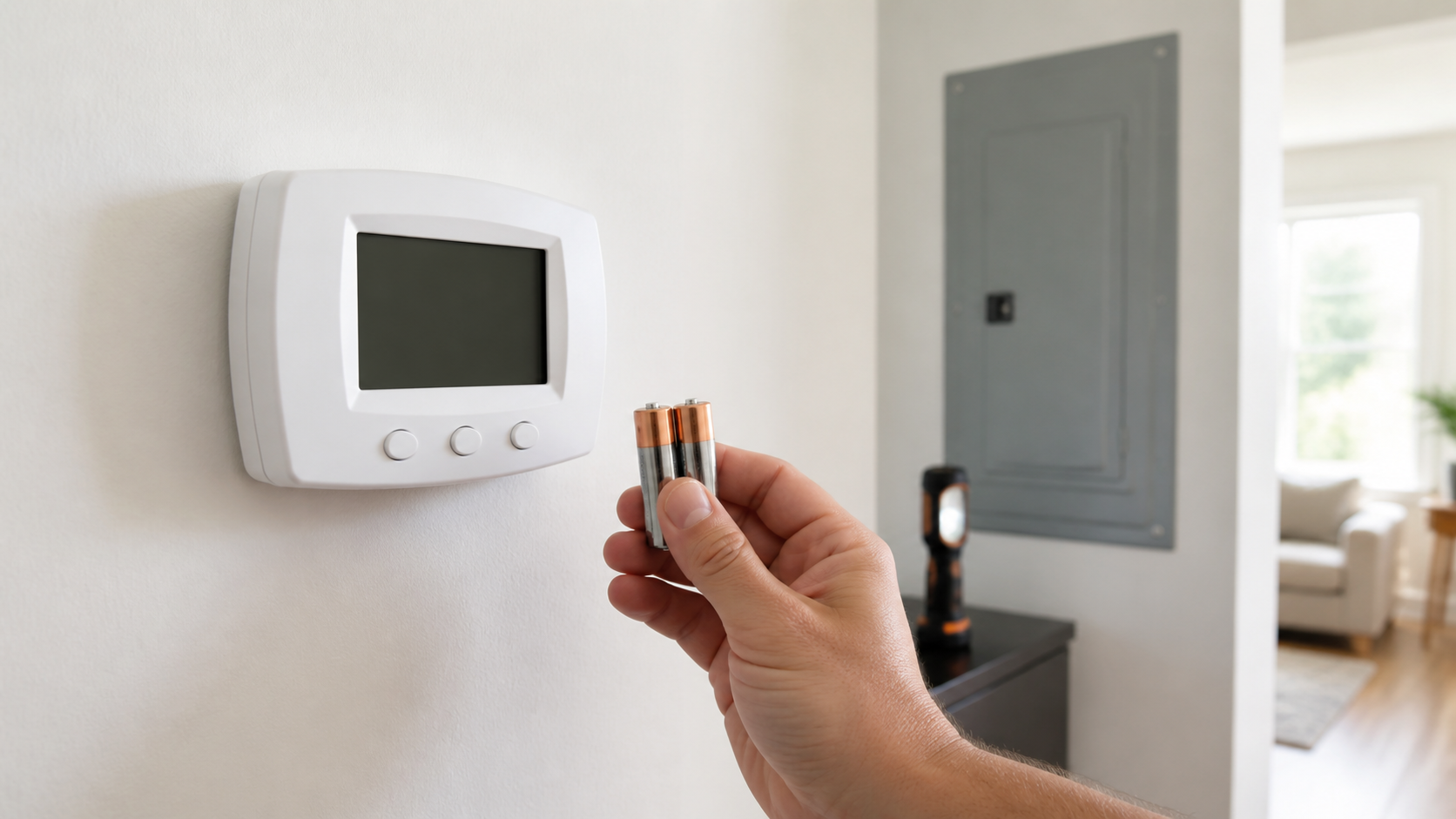
Use the exact user guide to remove only the thermostat face intended for battery access. Install two fresh AA alkaline batteries with polarity matched to the markings, then reseat the face evenly. Do not force the thermostat off its wall plate, pull wires, mix old and new cells, or use corroded or leaking batteries.
Check only external HVAC power controls
Verify the normal heating and cooling equipment service switch has not been turned off accidentally and that the furnace door is fully closed. Do not open or press on a damaged panel and never defeat its safety switch. If the switch or panel is unfamiliar or inaccessible, leave it for a professional.
Inspect the breaker status once
From a dry floor with dry hands, identify the HVAC breaker from the panel schedule. If it is clearly tripped and there is no heat, odor, moisture, damage, or buzzing, move it fully off and then on once. If it trips again or will not reset normally, leave it off; repeated resetting can energize a fault.
Wait through compressor protection and reassess
After power is restored, the T6 Pro may show Cool On or Heat On flashing while compressor protection delays operation. Honeywell Home says to wait five minutes. Confirm the display, room temperature, system mode, and setpoint after that interval. If the display remains blank or equipment behaves unexpectedly, arrange professional diagnosis.
A blank screen does not identify the failed part
The display can go blank when batteries are depleted, equipment power is interrupted, a service switch is off, or a furnace-door interlock is not satisfied. It can also reflect a control-power, wiring, transformer, condensate-safety, or equipment fault that requires instruments and access beyond safe homeowner checks.
Fresh batteries waking the screen does not prove the HVAC equipment is healthy. After the thermostat returns, verify that a normal cooling call begins only after the protective delay and that the breaker, switch, and equipment remain stable.
One reset is a diagnostic boundary
A breaker is a protective device, not an on-off workaround. A one-time reset can restore a circuit after an isolated event, but a second trip is evidence that the fault remains. Stop rather than increasing breaker size, holding the handle, cycling it repeatedly, or opening HVAC panels to search for the cause.
Water around an air handler or condensate equipment can be related to a shutdown, but wet electrical work is not a DIY troubleshooting step. Leave affected equipment off and have the drain and electrical condition evaluated safely.
Stop-and-call-a-professional thresholds
- The HVAC breaker trips again, will not reset, buzzes, or feels unusually warm.
- There is smoke, a burned or fishy odor, arcing, melted plastic, or visible wire damage.
- Water is near the thermostat, furnace, air handler, disconnect, outlet, or panel.
- The furnace door, service switch, thermostat base, or wall plate is loose or damaged.
- Fresh batteries and confirmed external power do not restore the display.
- Cooling does not start after the five-minute protection period or indoor heat is becoming unsafe.
Common questions
Which T6 Pro models does this guide cover?
It covers the Honeywell Home T6 Pro Programmable support family TH6210U2001/U, TH6220U2000/U, and TH6320U2008/U. Use separate documentation for T6 Pro Smart or Z-Wave products.
Why is Cool On flashing after the screen comes back?
Honeywell Home says the flashing status can mean compressor protection is active. Wait at least five minutes rather than cycling power or lowering the setpoint repeatedly.
Should I keep resetting the HVAC breaker?
No. If it trips again or will not remain on after one careful reset, leave it off and have an HVAC or electrical professional diagnose the fault.
Prefer to hire a professional?
Find a local electrical company
Browse business profiles with published services, coverage, and direct contact information in the FixMate directory.
Sources and further reading
This article is original FixMate editorial content informed by the references below. Always follow manufacturer instructions and local code.