Quick answer
Samsung identifies 4C, 1 4C, nF, and 4E as not-filling errors. Confirm that both hot and cold hoses are connected to the matching inlets, neither hose is kinked, and both wall valves are fully open. Then check the model’s drain-hose installation and, with the washer unplugged and water shut off, inspect the inlet screens for debris. Restore the connections, power-cycle the washer for one minute, and run a short test. Request service if the code returns, the washer continuously fills, a valve or hose leaks, or you cannot move the machine safely.
Safety before you start
Unplug the washer or switch off its dedicated breaker and close both water valves before disconnecting a hose. Relieve trapped pressure slowly and keep water away from the plug, outlet, controls, and wiring. Do not open the cabinet, probe an energized valve, bypass a leak sensor, or force a corroded shutoff. Turn the valves off and request service if the washer fills continuously. Stop for a damaged cord, burning odor, active leak, unstable stacked unit, or a valve that will not close.
What you need
- Owner’s manual for the exact Samsung model
- Flashlight
- Shallow pan and absorbent towels
- Slip-joint pliers for a stubborn hose coupling only
- Soft brush or plastic tweezers for removable inlet screens
- Replacement supply hose only if specified for the model and connection
Step-by-step
Record the complete code
Photograph the display before powering down. Samsung groups 4C, 1 4C, nF, and 4E as not-filling errors. Codes such as 4C2, 4E2, CE, 14C2, and nF1 instead point to hot and cold supplies being reversed, so the exact characters change what you inspect.
Stop the cycle and control water and power
Cancel the cycle, unplug the washer or switch off its identified breaker, and close both wall valves. If the drum keeps filling after the machine is off, leave the valves closed and request service. Do not continue to troubleshoot a live overflow.
Confirm both supply hoses
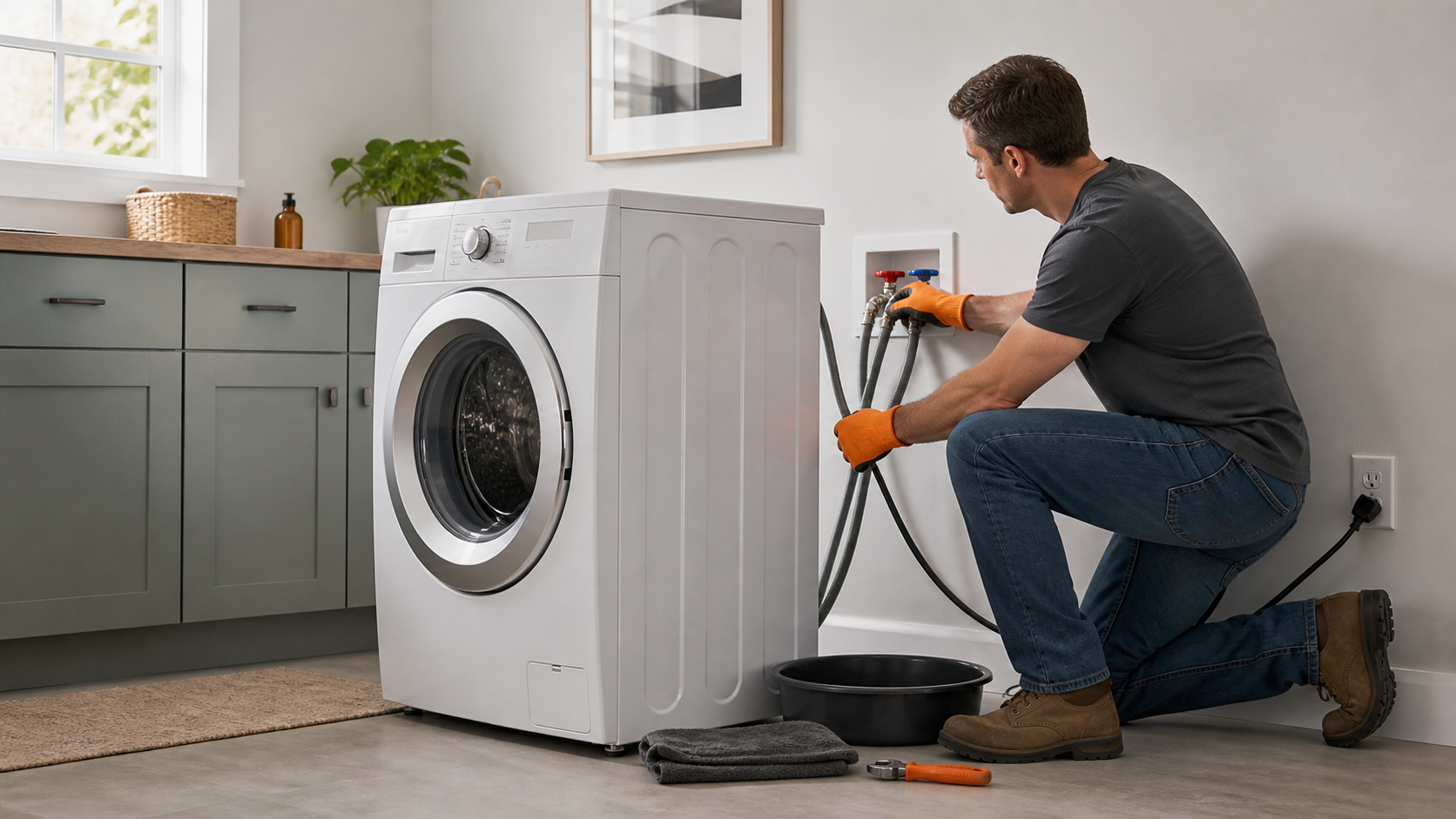
Check that hot connects to hot and cold to cold, even if you normally select cold cycles. Samsung notes that a cold-labeled cycle may still call for hot water. Straighten bends without stretching the hoses and replace a cracked, blistered, or leaking hose rather than patching it.
Open both wall valves fully
After confirming the connections are dry and secure, open both valves completely. A partly closed valve can restrict fill. Do not force a seized, corroded, or leaking shutoff; close the main supply if necessary and call a plumber.
Check the drain-hose installation
Compare the standpipe height and insertion depth with the exact model manual. Samsung’s current general guidance says the hose should not be kinked, pinched, inserted less than 6 inches or more than 8 inches, or sealed airtight in the standpipe. Keep the factory hose holder in place.
Inspect the inlet screens safely
Close both valves again, disconnect power, place a pan under the couplings, and loosen each hose slowly. Look into the washer’s inlet connections. If debris blocks a removable filter screen, clean it gently as Samsung directs; do not puncture, enlarge, or discard the screen. Reconnect without cross-threading.
Restore service and check for leaks
Open the valves gradually while watching every coupling. Dry the area and correct any seepage before restoring power. Keep the hoses untwisted and make sure the washer is stable in its final position.
Power-cycle once and test
With the water supplies open and connections dry, leave the washer unplugged or its breaker off for one minute, restore power, and run a short model-approved cycle. If the same fill code returns, stop repeating resets and request Samsung service.
What Samsung’s fill codes mean
Samsung’s support guide defines 4C, 1 4C, nF, and 4E as water not entering the washer correctly. That description does not by itself prove a failed inlet valve: a closed faucet, kinked hose, blocked screen, or incorrect drain-hose setup can create the same symptom.
The related 4C2, 4E2, CE, 14C2, and nF1 group means the cold inlet is receiving extremely hot water, commonly because the supply hoses are swapped. Match the connections to the labels on the washer rather than relying only on hose color.
Why the drain hose can trigger a fill problem
A drain hose pushed too far into a standpipe or sealed airtight can allow water to siphon out while the washer is trying to fill. A hose that is too low, too high, kinked, or pinched can also disrupt the intended fill-and-drain sequence.
Use the exact model manual for the final dimensions. Samsung’s general support range is useful for screening, but laundry-room layouts and model instructions can differ.
When to stop and request service
- The washer keeps filling after the cycle is canceled or power is removed.
- The 4C, 4E, 1 4C, or nF code returns after supply, drain-hose, and screen checks.
- A wall valve will not close, a coupling is corroded, or a hose connection continues to leak.
- The unit is stacked, built in, or too heavy to move without tipping or damaging hoses.
- There is a burning smell, damaged wiring, water near electrical parts, or a breaker trips.
Common questions
Can a Samsung washer show 4C on a cold cycle if the hot hose is closed?
Yes. Samsung says both hot and cold supplies must be connected and open because the washer may request hot water even during a cycle labeled Cold.
Does resetting the washer fix a 4E or nF error?
A one-minute power cycle can clear the display after the water-supply problem is corrected, but it does not repair a closed valve, kinked hose, blocked screen, siphoning drain hose, or failed component.
Should I remove the washer’s inlet screens?
Only remove a screen if Samsung’s instructions for your model allow it, and reinstall it after gentle cleaning. Do not operate without the filter or damage the mesh; request service if it is stuck or deteriorated.
Prefer to hire a professional?
Find a local appliance repair company
Browse business profiles with published services, coverage, and direct contact information in the FixMate directory.
Sources and further reading
This article is original FixMate editorial content informed by the references below. Always follow manufacturer instructions and local code.