Quick answer
Keep the door closed and compare the wired wall control with every handheld remote from inside the garage. Chamberlain Group says a working wall button with a failed remote can point to lock mode, a depleted remote battery, lost programming, radio interference, incompatibility, or a control/receiver fault. Check the exact opener and remote model numbers, turn off lock mode using the model’s instructions, install the specified fresh battery, and test close to the opener. Reprogram only with the model-specific guide and press the Learn button briefly—holding it can erase all programmed accessories. Stop before touching opener wiring, logic boards, springs, cables, tracks, or a door that is crooked, unusually heavy, jammed, or falling.
Safety before you start
A garage door can weigh hundreds of pounds, and its springs and cables store dangerous energy. Keep people, pets, vehicles, and tools clear of the door path; test only with the door fully visible. Never loosen, adjust, or touch springs, cables, bottom brackets, drums, tracks, or door hardware. Do not climb to the opener if you lack a stable ladder and a helper, and do not open the motor housing or touch wiring. If the door binds, drops, is crooked, has a broken spring or cable, or reverses unpredictably, stop using it and call a trained garage-door professional.
What you need
- Exact opener and remote model numbers
- Matching Chamberlain Group manual or programming guide
- Fresh battery of the exact specified type
- Phone camera
- Second working remote, if available
- Stable ladder and adult spotter only if the model guide requires safe Learn-button access
Step-by-step
Close the door and compare controls
Test from inside the garage with the complete door in view. Note whether the wired wall control operates the door, whether one or every remote fails, whether the opener light flashes, and whether the symptom changes with distance. Do not continue if the door itself moves unevenly, binds, drops, or has damaged hardware.
Check lock mode at the wall control
Many multifunction Chamberlain and LiftMaster wall controls include a lock feature that disables handheld remotes while leaving the wired control available. Follow the exact wall-control guide to identify and turn off lock mode. Do not remove the control from the wall or touch its wires for this check.
Replace the remote battery by model
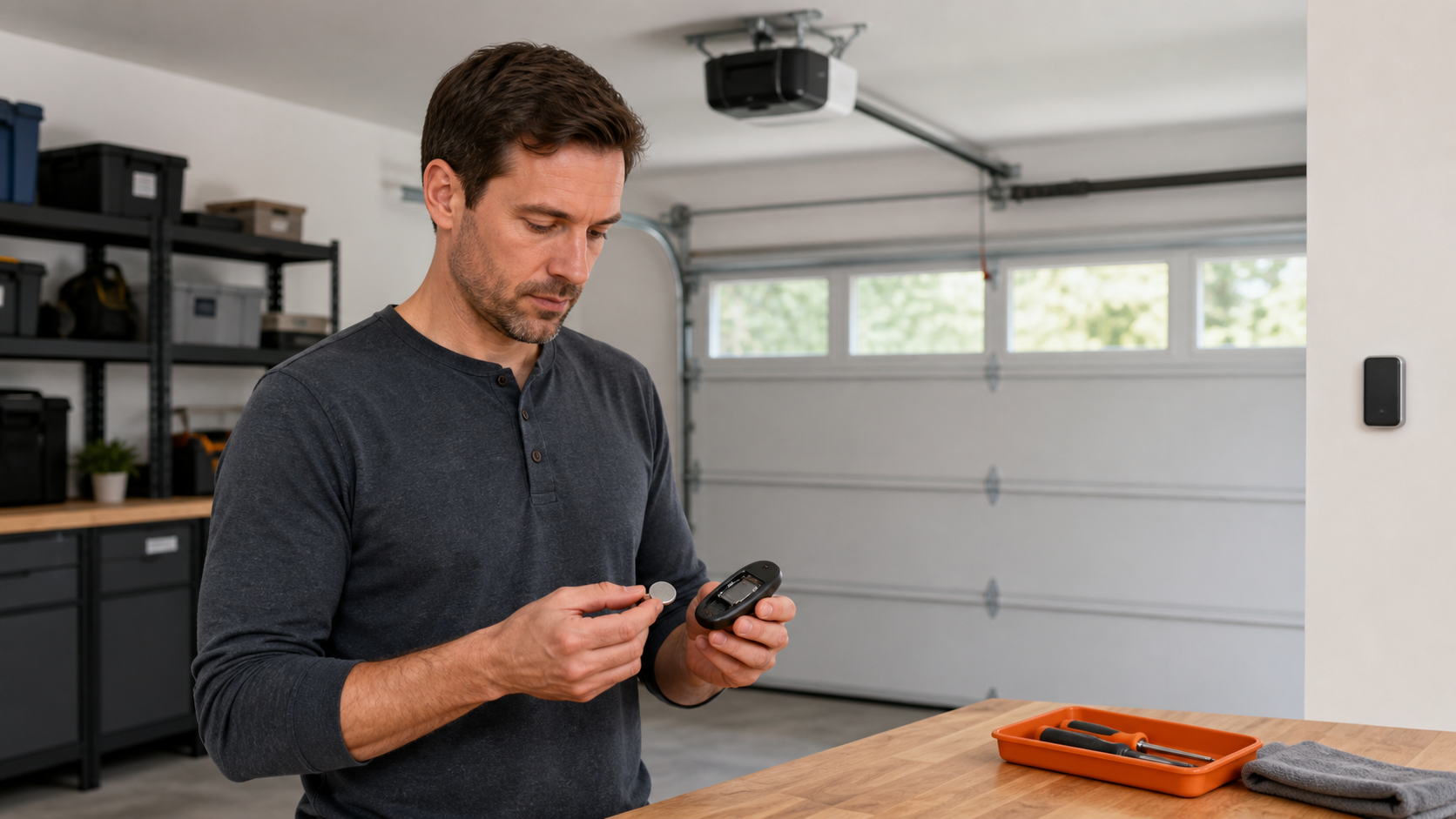
Find the remote model, often beneath the visor clip or on its back, and use the specified battery and polarity. Keep coin cells away from children and pets, and dispose of the old cell through an appropriate battery channel. A lit remote LED does not always prove the battery is strong enough to transmit reliably.
Test for range and interference
Try the remote from several safe positions inside the garage. If every remote works only close to the opener or only when the opener lamp is off, interference or an opener-side issue is more likely than several simultaneous battery failures. Record which lights or nearby electronics were on, but do not dismantle lamps, controls, or the opener.
Confirm remote compatibility
Use Chamberlain Group’s current compatibility page with the opener’s exact model or Learn-button family and the remote’s exact model. Similar-looking remotes can use different radio technologies. Do not buy a replacement or repeat programming until the documented compatibility matches.
Reprogram without erasing every accessory
Use the specific programming guide for your remote and opener. Chamberlain Group distinguishes a quick press-and-release used for programming from holding the Learn button, which can clear accessory memory. If reaching the control safely requires overextension, an unstable ladder, or working above the door path, stop and arrange help or service.
Escalate an opener-side failure
If a compatible remote with a fresh battery still fails, all remotes behave the same way, or the symptom points to the wall control, wiring, receiver, or logic board, use qualified service. Internal electrical isolation steps are intentionally outside this guide. Give the technician the model numbers and your control-comparison results.
Remote troubleshooting must stay separate from door repair
- Do not adjust travel or force settings to compensate for a binding door.
- Do not bypass photo eyes or other entrapment protections.
- Do not work on torsion or extension springs, cables, drums, or bottom brackets.
- Do not open the powered motor housing or test live terminals.
- Call a trained technician for an opener-side electrical fault or abnormal door movement.
Common questions
Why does the wall button work when my garage door remote does not?
The wall control is hard-wired and the remote is wireless. Chamberlain Group lists lock mode, battery condition, programming, interference, compatibility, and control or receiver faults among the paths to check.
Can holding the Learn button fix a remote?
Do not hold it unless the exact manufacturer procedure explicitly tells you to clear memory. Chamberlain Group says a sustained press can erase every programmed remote and keypad; programming normally uses a brief press and release.
When should I call a garage-door professional?
Stop for a door that is crooked, heavy, falling, binding, or has damaged springs or cables; for unpredictable reversal; or when diagnosis requires opener wiring, the logic board, or internal components.
Sources and further reading
This article is original FixMate editorial content informed by the references below. Always follow manufacturer instructions and local code.